For homes, cafés, shops and wedding halls in Jordan
Tell it once. Your screens remind everyone.
Lawwha turns any TV or tablet into a calm board of instructions and photos. Type it in Lawwha or just ask Claude or ChatGPT, and every screen updates in seconds, even in Arabic.
- Works on any TV or tablet
- Arabic and English
- Free to start, no card
- 1Brush teeth
- 2Get dressed
- 3Drink a glass of water
- 4Pack your school bag
“Add a step to the kitchen screen: drink a glass of water”
✓ Updated on the kitchen screen
- < 2 s
- from your phone to every screen
- 3 min
- to set up a new screen
- 0
- buttons for viewers to tap
- عربي
- Arabic first, right to left
For every place
Better screens for the places you run







Menus with prices, today's specials and kitchen steps. Change a price and every screen shows it.
Start free with this board3D explorer · try it
See where a screen saves the day
Turn the room, tap a screen and see what it tells people. Nobody has to ask, and nobody has to remember.
Family home
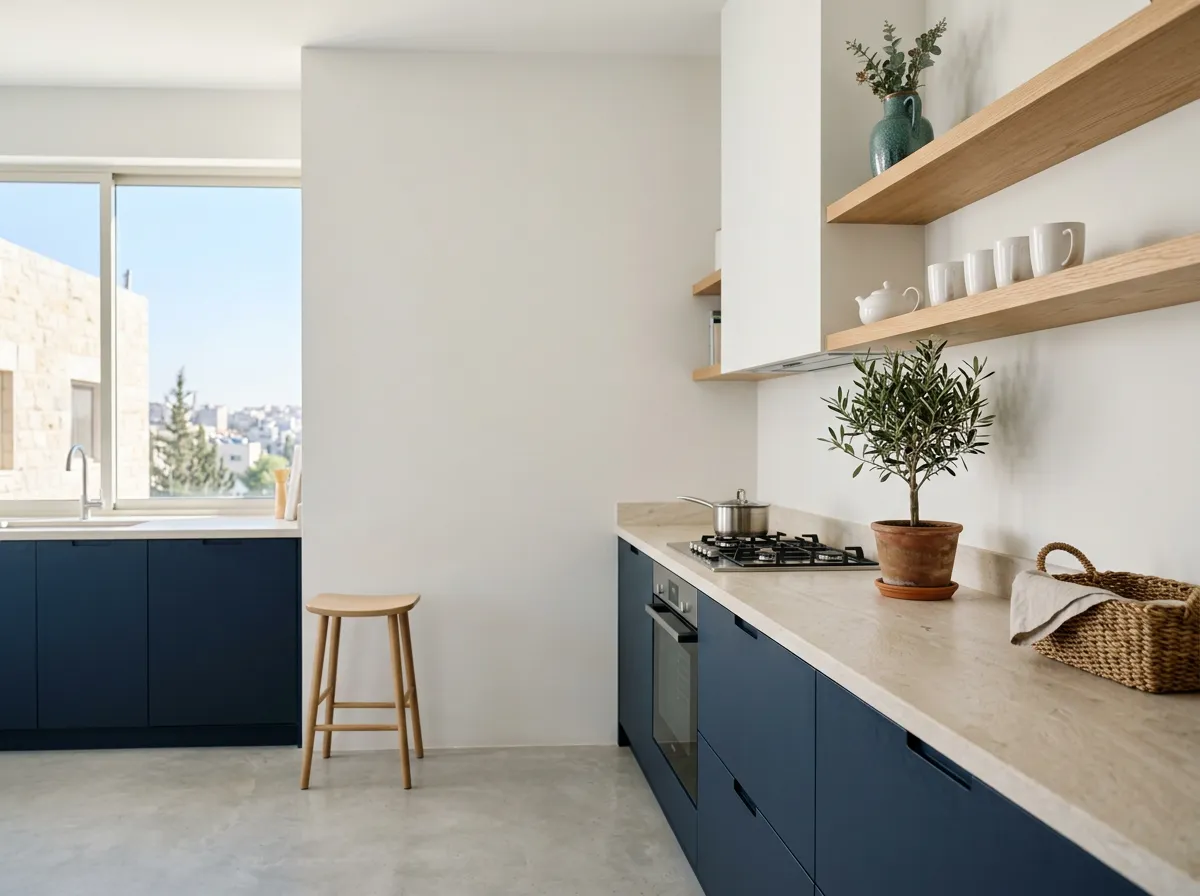
Kitchen, entrance and laundry
Screen 1 of 4
Morning routine
Kitchen
Tap a screen in the room, or pick one from the list.
What it shows
- 1Brush teeth
- 2Get dressed
- 3Breakfast
- 4Pack school bag
Why it helps
Kids follow the list on their own, so mornings stop being a string of reminders.
Free account · no card needed
Made for busy hands
Real life doesn't stop for instructions. Lawwha keeps them on the wall, and you change them from the phone or tablet already in your hand.
Stuffed peppers
- 1Halve 4 peppers
- 2Fry the onion for 3 min
- 3Fill with rice and meat
- 4Bake 35 min at 180°
Hands busy, steps in sight
The recipe stays on the kitchen screen, so nobody wipes their hands to scroll a phone.
Change it once, every screen follows
A supervisor updates the board from a tablet on the floor. Every screen on site shows it seconds later.
One calm screen for every routine, in every branch
Lawwha is the simplest way to put instructions and photos on a wall: for your family, your staff and your guests.
- Works on any TV or tablet
- Arabic and English
- Free to start, no card
- 1Brush teeth
- 2Get dressed
- 3Drink a glass of water
- 4Pack your school bag
Up and running in three minutes
- 1
Open the screen
On any TV, tablet or Android box, open lawwha.com/play. It shows a 6-digit code.
- 2
Pair it
Enter the code in your dashboard, or scan the QR code with your phone.
- 3
Say what to show
Pick a template, type the steps, or ask Claude or ChatGPT. The screen updates instantly.
One simple board, many jobs
Every screen follows the same idea: a title, a few clear steps and your photos. Nothing for viewers to tap.
Homes
Morning and bedtime routines, drink-water reminders, house rules.
Morning routine · 4 steps
Restaurants and cafés
Opening and closing steps, hygiene, today's offer on the front screen.
Closing steps · 6 steps
Shops
Gift wrapping, returns and customer service, on the wall where staff see it.
Gift wrapping · photos
Wedding halls
Welcome screens and the evening's schedule, set once for every event.
Welcome, Sara and Omar
Health at home
Diabetes care, medicine times and what to do when sugar is low.
Diabetes care · 5 steps
Run your screens from Claude or ChatGPT
Connect Lawwha to the assistant you already use. Ask in Arabic or English, and it writes the board, picks the screen and sets the schedule for you.
- Connect once with MCP, in about a minute
- Ask in Arabic or English
- Every change shows in your activity log
Built for real screens in real places
Live in seconds
Edit on your phone; every screen updates in under two seconds.
Keeps working offline
If the Wi-Fi drops, screens keep showing the last boards for days.
Schedules
Opening steps in the morning and closing steps at night, switched automatically.
Claude and ChatGPT
Connect your AI assistant through MCP and change any screen just by asking.
Reports
See which screens are online, how long they stayed up and who changed what.
Branches and teams
One account for every branch, with managers who see only their own screens.
Questions
Do I need special hardware?
No. Any smart TV browser, tablet or Android box works. We can also supply a ready Lawwha Box.
What happens if the internet goes down?
Screens keep showing the last saved boards and follow their schedule until the connection returns.
Can viewers change anything?
No. Screens are display-only. Only people in your account can change what shows.
Is my data private?
Each account is sealed off from others at the database level. Photos are served through private, expiring links.
Put your first screen to work today
It takes three minutes and costs nothing to start.